


Wishing Stars and Card Upgrades
Last updated
What is a Wishing Star?
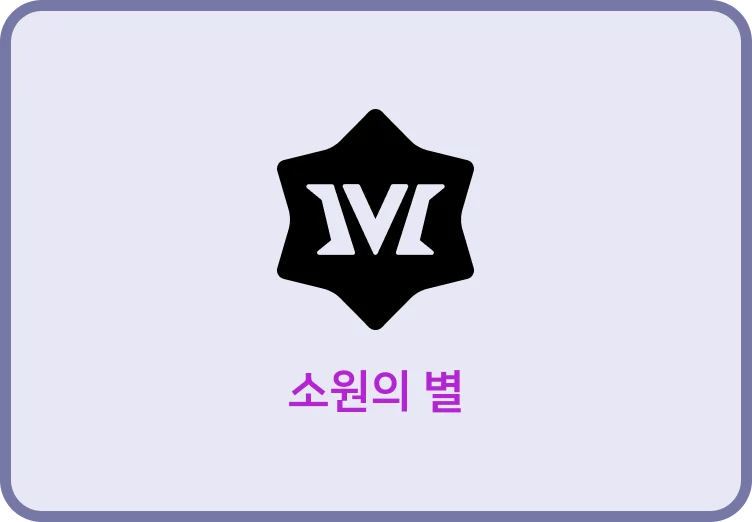
A Wishing Star is the resource you spend to upgrade a card's effect (to trigger its "Wishing Star effect").
Triggering this effect lets you make a card far more powerful for a single use!
- The card's abilities may get stronger,
- its AP Cost (the Action Points needed to play an Action Card) may drop,
- or the conditions for triggering its effect may be eased or removed entirely.
Spend a Wishing Star
To use a Wishing Star, drag it onto the card you want to upgrade.
- If a card's "Star Cost" is X, you can't use a Wishing Star on it.
- If a card's "Star Cost" is 2 or more, you need to spend that many Wishing Stars.
Wishing Star Notes
- You can use Wishing Stars during any phase in which you can play cards (Action Phase, Buy Phase and Combat Phase).
- You can use Wishing Stars on any Market Card except Essential Market Cards.
- Wishing Stars can't be used on the Essential Market Cards Stone, Iron, Gold, Dagger, Longsword and Warhammer.
- You can use more than one Wishing Star in a single turn.
- You can only use a Wishing Star right before playing a card. When a card's effect triggers or plays another card, you can't use a Wishing Star on that other card.
- A Wishing Star's effect applies only to "the 1 card played right after the Wishing Star is used." Unless stated otherwise, it doesn't apply to other cards with the same name.
- A card upgraded with a Wishing Star gets a + after its name. However, the original card and the + card still count as "cards with the same name."
Checking Wishing Star Effects
During a match
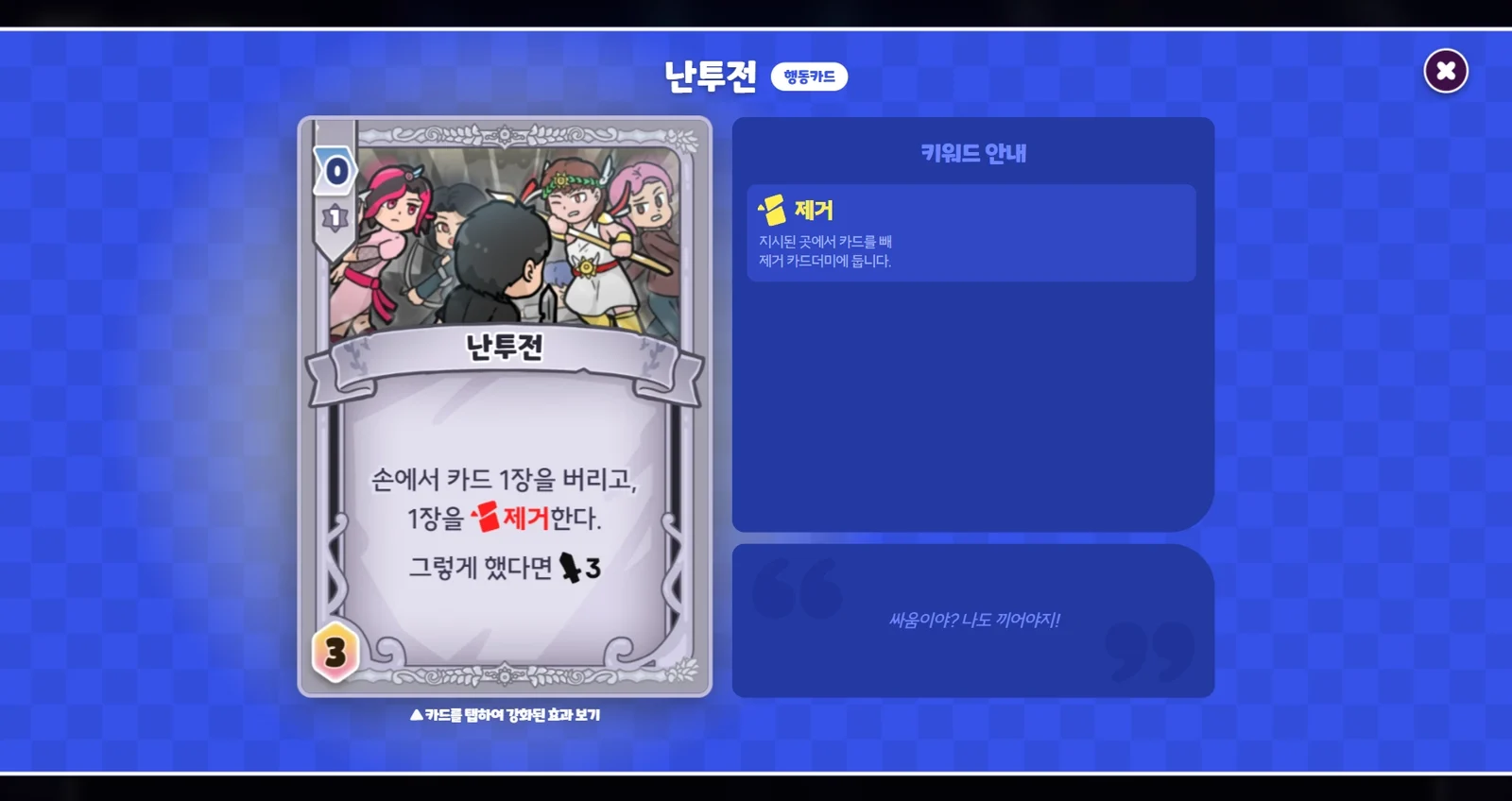
- Drag a card onto "Enlarge card" at the top right to view it at full size. Then tap the card to see its upgraded effect.
- Tap a card in the card play area to view it at full size. If the card is already upgraded, you'll see its Wishing Star effect right away. For a normal card, tap it again while it's in full screen to see its upgraded effect.
Outside a match
In the Duelist Details - Skill and Included Cards section, tap a card to open it in full screen, then tap it once more to see its upgraded effect.
Need more help?
Reach out to us on our official Discord server or email us at help@metaversus.dev.